
At a Glance
Most “best smart home gadgets” roundups just list ten products with no sense of what a reader with £50 actually needs first. The result is a shopping list, not a plan.
This guide is organised the other way round: pick the room you want to upgrade first, then buy the one or two smart home gadgets under £50 UK shoppers actually reach for again and again. That matters more than choosing something that looks impressive in a photo and then sits unused after week two.
Every price below reflects normal UK retail pricing at the time of writing, not a one-off sale price, so treat them as a guide rather than a guarantee.
What actually counts as a smart home gadget under £50 in the UK?
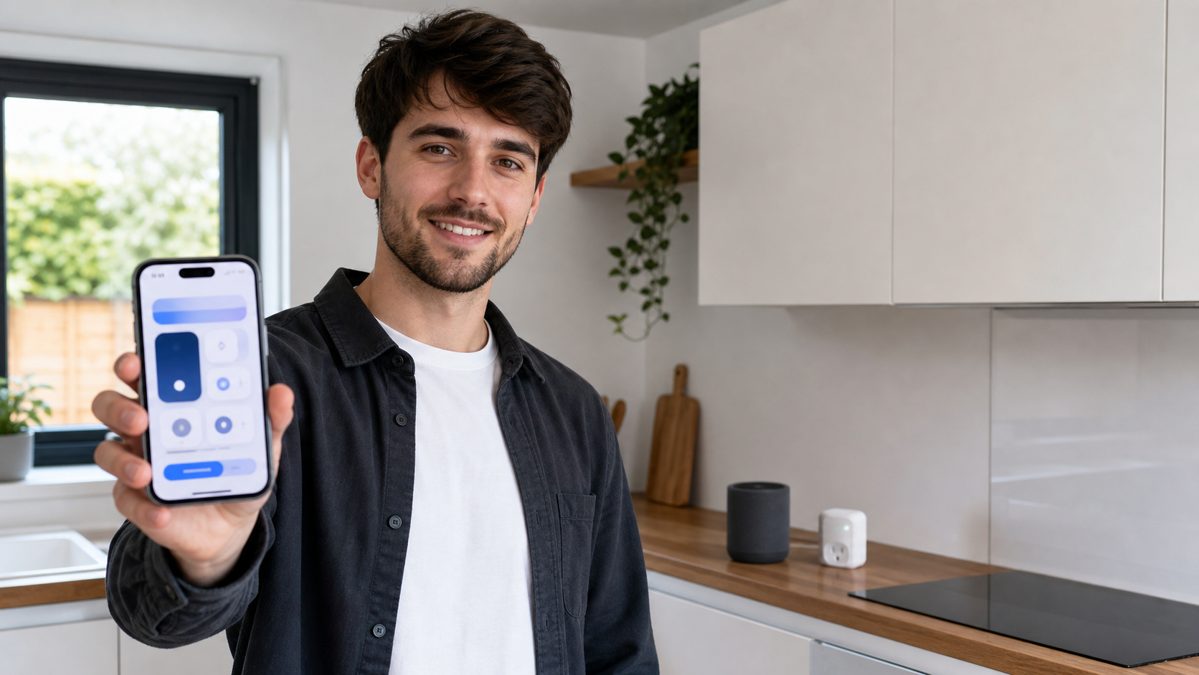
At this budget, three categories do almost all of the useful work: smart plugs, smart bulbs, and entry-level smart speakers. Cameras, video doorbells and smart locks technically exist under £50, but the honest picture is different.
A budget camera or doorbell usually needs an ongoing subscription (typically £2 to £8 a month) to store more than a few hours of footage, and a “smart” lock under £50 in the UK is almost always a retrofit unit with real limitations on European-style doors. Neither belongs in a genuine first-purchase list.
Before buying anything, check your router broadcasts a 2.4GHz Wi-Fi network. Almost every budget smart plug, bulb and speaker connects over 2.4GHz only, not the 5GHz band newer routers default to for phones and laptops.
With that narrowed down, the real question is which of the three categories earns its place in which room, and that is what the rest of this guide answers.
Choosing your voice assistant first: Alexa, Google Home or Apple Home?
Every gadget below will ask you to pick a voice assistant during setup, so it is worth deciding this before buying rather than after. The good news is that budget UK gadgets increasingly avoid locking you in permanently.
The Matter connectivity standard, backed by Amazon, Google, Apple, Samsung and dozens of other manufacturers, lets a growing number of budget plugs and bulbs work across Alexa, Google Home and Apple Home without needing a separate bridge. Look for a “Works with Matter” badge on the box or product page.
| Assistant | Best for | Hub needed? |
|---|---|---|
| Amazon Alexa | The widest range of compatible budget UK gadgets | No, for Matter and Wi-Fi devices |
| Google Home | Households already using Android phones and Chromecast | No, for Matter and Wi-Fi devices |
| Apple Home | iPhone-only households prioritising privacy | No for Matter devices, yes for older HomeKit-only ones |
If you have not committed to any assistant yet, an Echo Pop is the safer starting point in the UK simply because more budget accessories list Alexa compatibility first, even when they also support the others.
Which smart home starter combo fits your home?
Living room and kitchen picks: plugs and speakers that earn their place
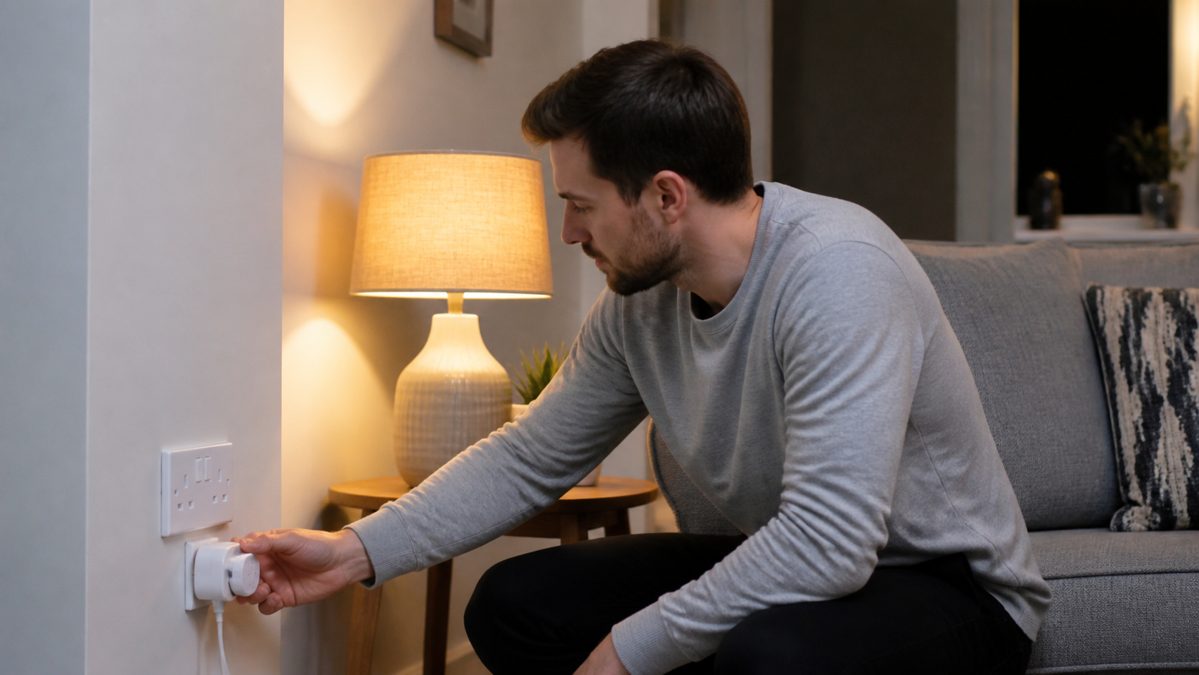
The living room and kitchen are where a smart plug pays for itself fastest, because both rooms already have a lamp, a fan, or a kettle-adjacent gadget worth automating.
The TP-Link Tapo P100 (around £10) is the reference budget plug in the UK: Wi-Fi only, no hub, works with both Alexa and Google Home, and lets you schedule a lamp or set a routine such as “turn off the living room lamp at 11pm”. Reviewers who have tested it at this price are unusually complimentary: Lifestyle Reviewer called it “genuinely hard to fault” for a tenner.
Stepping up to the Tapo P110 (£12 to £18) adds energy monitoring, so you can see in the app how many watts an appliance is actually drawing, which is a genuine feature rather than a gimmick if you are trying to spot an inefficient old fridge or fan.
Buy one plug first and live with it for a week before buying a second. Most people find one or two genuinely useful automations, not five, and it saves you money on units that end up unused in a drawer.
For the kitchen specifically, an Echo Pop or Nest Mini placed on a countertop earns its keep on timers and hands-free unit conversions while cooking, which is a more concrete daily use case than most speaker marketing suggests.
Bedroom picks: lighting without blowing the budget

A single smart bulb is the highest-impact, lowest-cost bedroom upgrade, and it is also the category where the UK market has genuinely improved. IKEA’s Matter-compatible Tradfri and Vallhorn ranges brought colour-changing bulbs down to roughly £8 to £20, a real drop from what colour bulbs cost only a couple of years ago.
A warm-white, dimmable bulb on a sunrise-style schedule is worth prioritising for a bedroom over colour-changing novelty modes. A gradual light increase before an alarm is a simple automation, and it tends to be one that people keep using well past the first month.
Smart bulbs only work when the physical wall switch stays on. If your bedroom light is controlled by a normal wall switch that gets flicked off at night, the bulb loses power and cannot be controlled by voice or app until the switch is turned back on.
If you are renting and cannot swap fittings, a plug-in bedside lamp paired with a Tapo plug is a workaround that avoids touching the bedroom’s main light fixture at all, at the same roughly £10 cost as the living room plug.
Do you need a hub? Matter and hub-free options explained
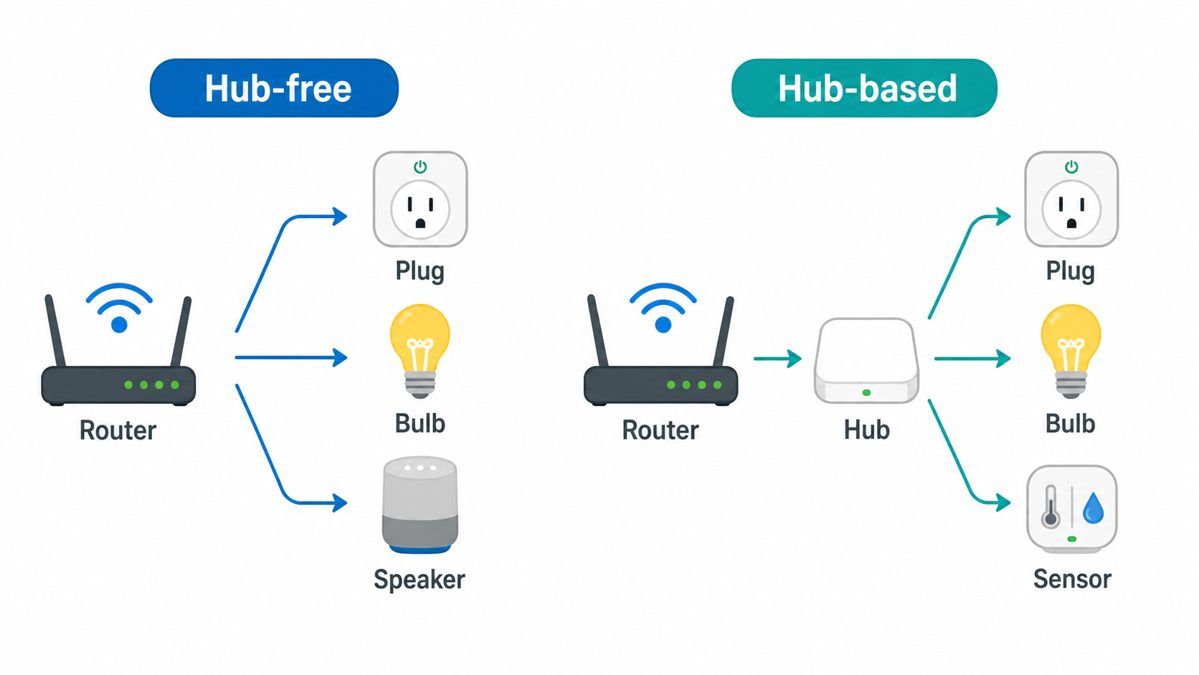
A few years ago, “smart home starter kit” meant buying a dedicated hub box before anything else would talk to your phone. That is no longer true for the specific products recommended in this guide.
Tapo plugs, IKEA’s Matter bulbs, and both the Echo Pop and Nest Mini connect directly over your home Wi-Fi. The trade-off is that Wi-Fi devices use slightly more power on standby and can be marginally slower to respond than hub-based Zigbee or Thread devices, a difference most people never notice in daily use.
- No extra hardware to buy or plug in
- Simpler setup for a first-time buyer
- Works the moment your router does
- Extra £25 to £70+ for the hub itself, depending on the brand
- Usually faster and more reliable at scale
- Only worth it once you own several devices
For a first purchase under £50, a hub is not worth the extra cost. It only becomes worth considering once you own enough devices that a Wi-Fi network starts to feel congested, which is a problem for a later stage of a smart home, not the first gadget.
What a realistic starter bundle costs
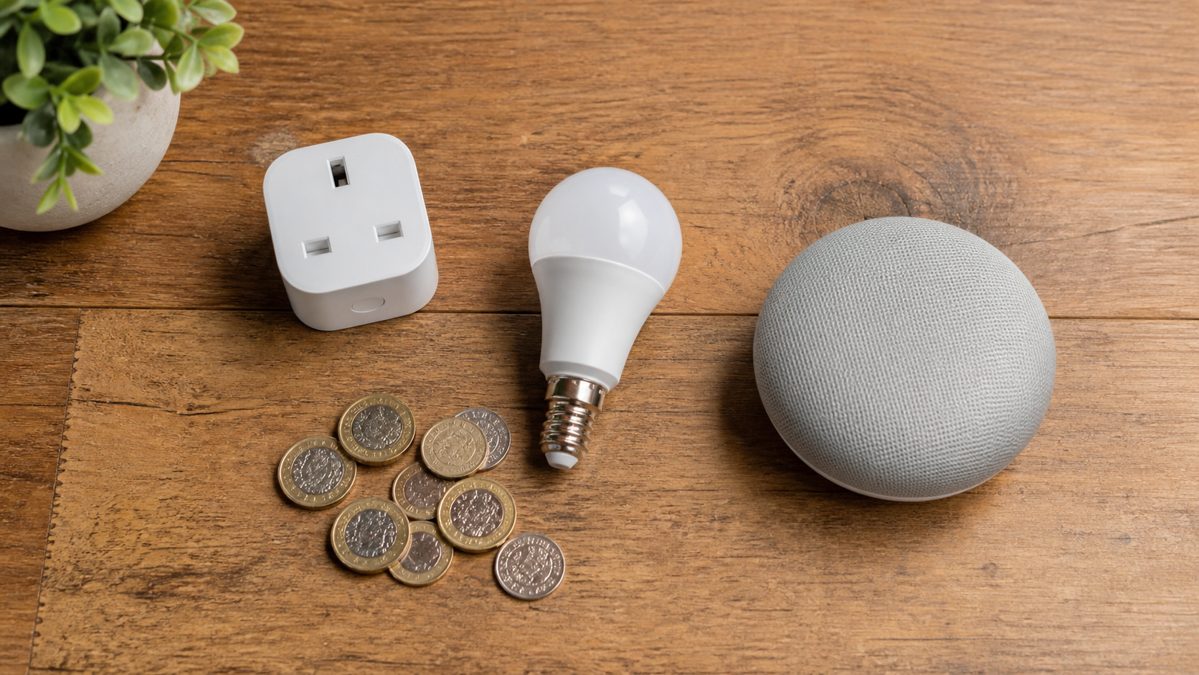
One detailed UK buying guide, Gadget Scout, prices a complete first kit, speaker plus plug plus two bulbs, at around £100 to £165. That is a useful reality check: a genuinely complete “starter kit” usually needs more than one £50 gadget.
The point of this guide is different. It is about the single best first purchase for your room and budget, not a full kit. A realistic single-room combo, one speaker plus one plug or one bulb, lands around £30 to £45, comfortably inside a £50 cap with room to spare for a second item later.
Start with the gadget that removes one small daily annoyance, a lamp you always forget to switch off, a kettle you cannot hear from the next room, a light that is too bright right before bed. That is a better test than “is it smart” for whether a £10 or £20 gadget is worth buying.
In Summary
Under £50, three product types do almost all the useful work in a UK smart home: a Tapo-style smart plug around £10, a budget smart bulb around £8 to £20, and an entry-level Alexa or Google speaker around £20 to £25.
Pick the one that solves a real daily annoyance in one room, check for 2.4GHz Wi-Fi and, ideally, a Matter badge before buying, and treat a hub as a later-stage purchase rather than a starting requirement.
Common Questions
Do cheap smart plugs use a lot of standby power?
A Wi-Fi smart plug like the Tapo P100 draws around 1.5 to 1.9 watts just to stay connected, which works out to roughly £3 to £5 a year at typical UK electricity prices. That is a real, ongoing cost worth knowing about, though it is still small next to what the plug lets you switch off automatically.
Can I mix Alexa and Google Home devices in the same house?
Yes, as long as each individual gadget supports the assistant you want to control it with, or carries a Matter badge. What you cannot easily do is control an Alexa-only device by asking Google Home, or the reverse, without a Matter-compatible product in between.
Will a smart plug or bulb still work if my internet goes down?
Voice control and the app stop working without internet, since most budget devices route commands through the manufacturer’s cloud. The physical switch or button on the plug or bulb itself, and any schedule already saved to the device, generally keeps working locally.
Are budget smart home gadgets safe to leave plugged in permanently?
Reputable UK-sold plugs from established brands such as TP-Link carry standard UK safety certification and are designed for continuous use, the same as any other mains-rated plug. Buying from an unbranded or unfamiliar listing is the actual risk factor, not the smart plug category itself.
Do I need to keep the smart home app open for automations to run?
No. Once a schedule or routine is saved, it runs in the background on the manufacturer’s servers or, for some Matter devices, locally on your network, without the app needing to stay open on your phone.