At a Glance
The best webcam for a home office in the UK is not always the one with the biggest resolution number.
Most guides rank cameras by sharpness, then move on.
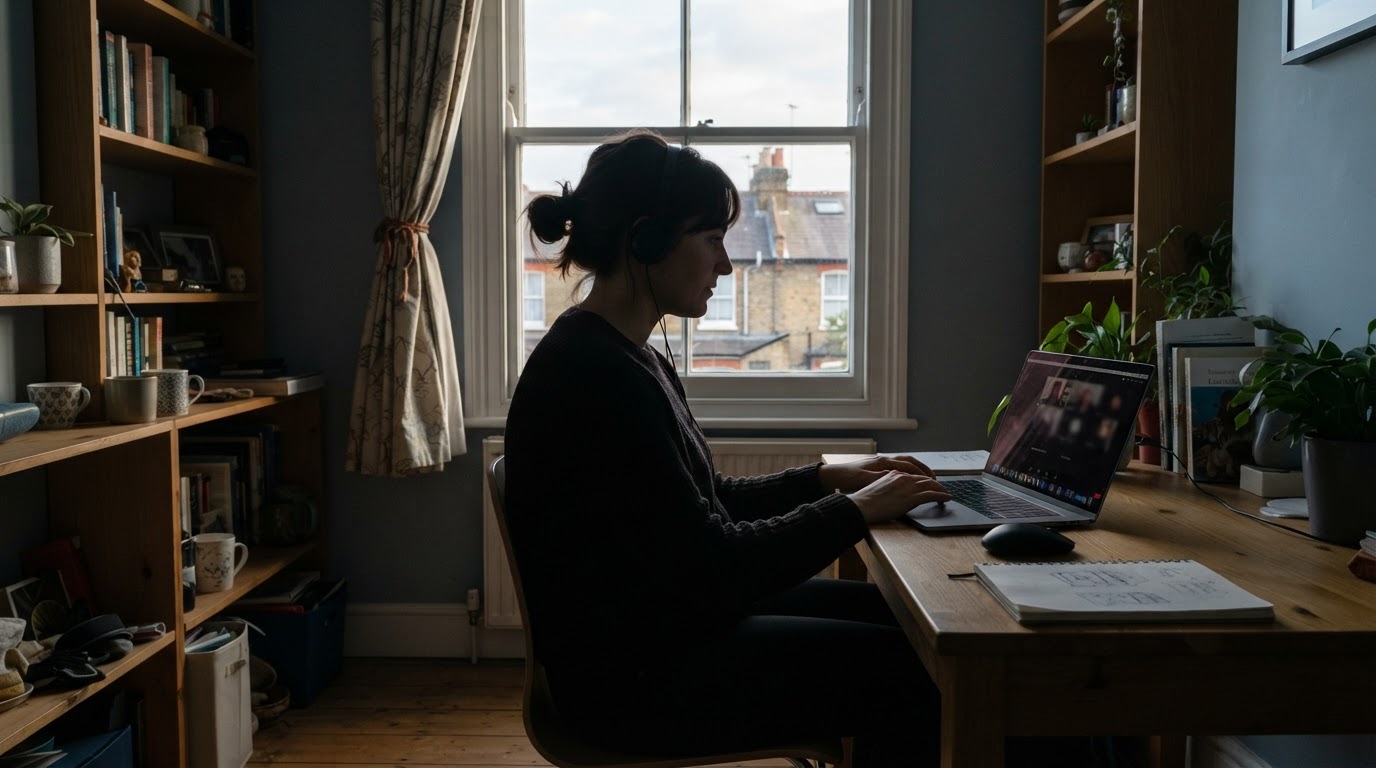
Yet from November to February, many remote workers log on in a dim room, with a grey window at their back.
This guide compares five Full HD webcams with that reality in mind, using UK prices and published test notes.
Why does winter light matter more than resolution for a UK home office webcam?
Daylight is short in a British winter. On the shortest day, London gets about 7 hours 48 minutes of daylight and Edinburgh about 6 hours 57 minutes (approximate figures, checked November 2026).
A working day of 9am to 5pm therefore ends in the dark, and the late meetings are the ones where a laptop camera struggles.
Many competing guides list resolution, field of view and price, then stop there.
They rarely say which camera copes when the only light is a ceiling bulb or a desk lamp.
No webcam can fix a bright window behind you. The camera exposes for the window, and your face turns into a silhouette, whatever the model costs.
Typical case: a hybrid worker in a north-facing back bedroom, with a Teams call at 4pm in December and the only light overhead.
This is an illustrative example, not a testimonial. Here the camera has to brighten the face without adding heavy grain.
What matters most when choosing a home office webcam?
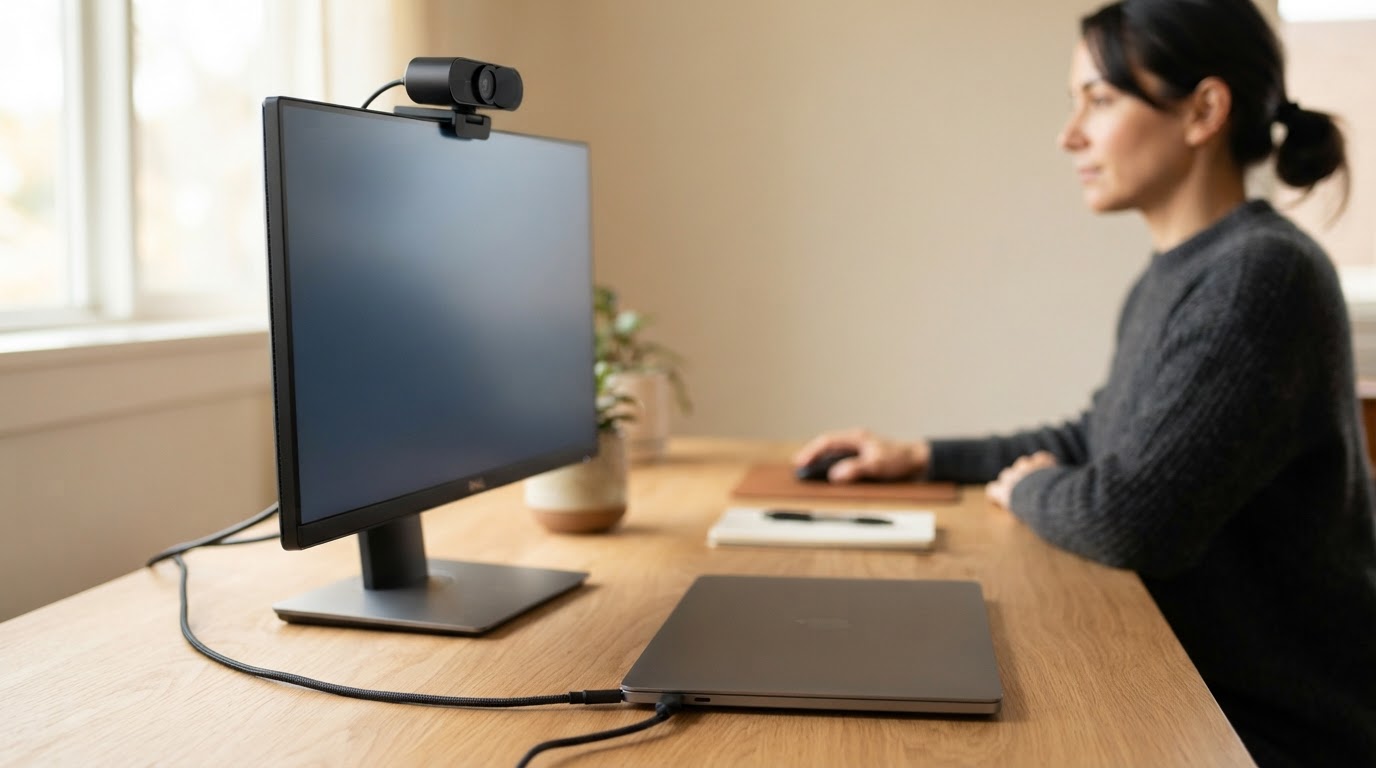
Five practical points separate a good home office webcam from a poor one.
- Field of view: the Logitech Brio 100 covers 60 degrees, the C920e 78 and the Brio 500 90 (Testix, updated March 2026). A narrow angle suits a solo desk, a wide one a shared table.
- Microphone: Expert Reviews (October 2023) described the dual-mic Logitech C920 HD Pro as a significant step up from standard laptop audio. A headset still beats any of them.
- Privacy shutter: a built-in slider is convenient if the camera stays plugged in all day.
- Connection: check whether your laptop has a spare USB-A port or only USB-C before ordering.
- Light handling: automatic light correction is the feature that counts on dark afternoons.
Resolution is deliberately missing from the list above.
All five webcams in the next section record at 1920 x 1080, so it does not separate them.
Look at the ports on your laptop and monitor, and at where the camera will sit. Eye level, just above the screen, flatters the picture more than any spec.
Which webcams suit a UK home office, and what do they cost?
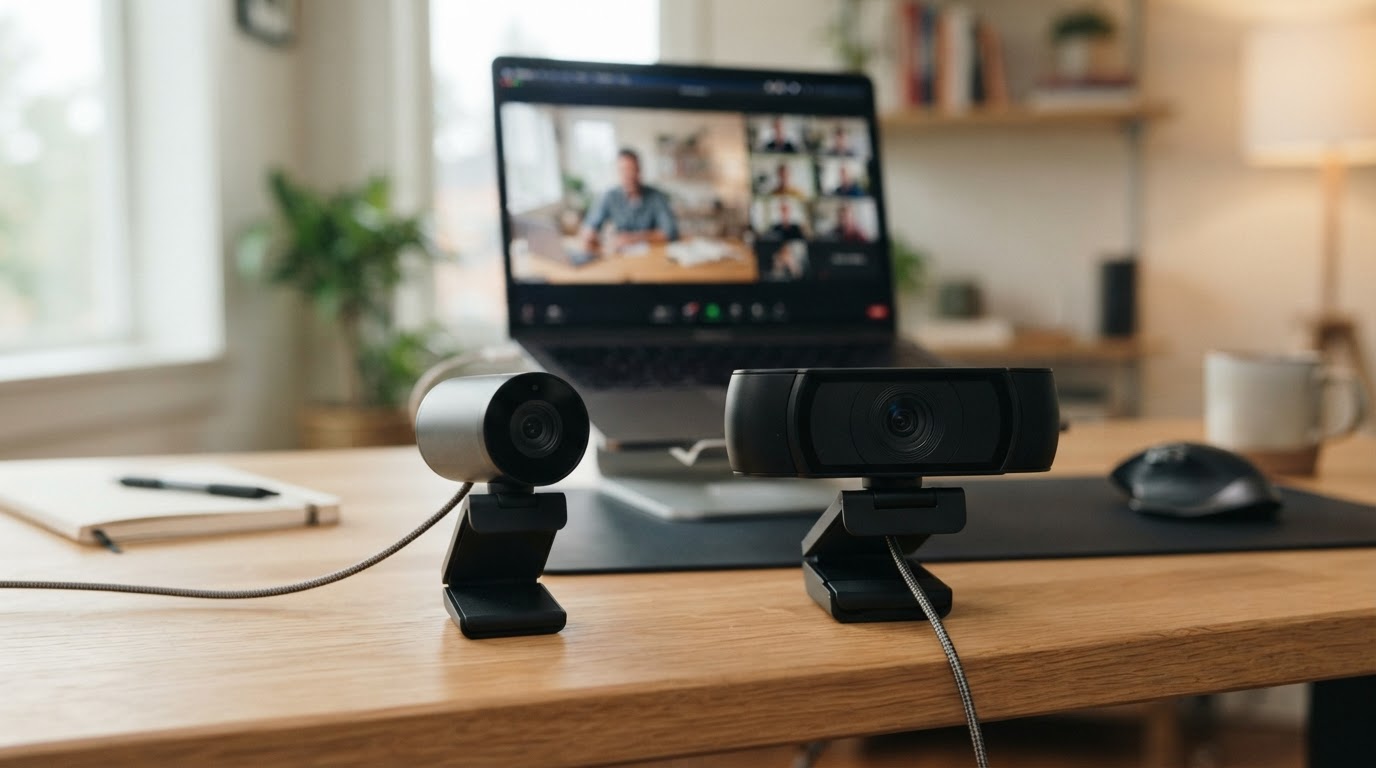
The table below uses UK prices and specifications from the Testix Full HD webcam test (updated March 2026). Prices move often, so check them before buying.
| Model | Price | Field of view | Microphone | Best for |
|---|---|---|---|---|
| Logitech Brio 100 | £29.50 | 60° | Mono | Solo desk, tight budget |
| Logitech C920e HD | £39.69 | 78° | Dual, noise-cancelling | Regular Teams or Zoom calls |
| Logitech C920 HD Pro | £53.69 | 78° | Dual, stereo | Normal office lighting |
| Logitech Brio 500 | £69.99 | 90° | Dual, noise-cancelling | Changing light, wide framing |
| Elgato Facecam MK.2 | £99.00 | 82° | None | Dim rooms, with a separate mic |
The Brio 100 is the cheapest of the five.
Logitech UK listed it at £29.99, reduced from £39.99, at the time of writing (November 2026). The page also noted backorder from 16 November 2026, so stock may be limited.
In the Testix test it kept colour accuracy better than pricier rivals, with only minor grain in a dimly lit room.
The C920e came out slightly behind it in low light but close, and its dual microphones suit people without a headset.
The Brio 500 showed only minor colour shifts in the Testix test, which suits changing winter light, although its low-light picture was not quite as clean as the Brio 100’s.
The Facecam MK.2 kept noise low in low light and held 30 frames per second over a two-hour stream, but it has no microphone at all.
Test notes come from a single published test under its own lighting. Treat the ranking as a guide, and expect your own room to shift the result.
Which webcam fits your room and budget?
This short tool matches your room light, budget and audio setup to one of the five webcams above, using the prices and test notes from the table.
Do you need 4K for Teams and Zoom calls?
For most home workers, no.
Video calls are compressed before they reach your colleagues, so extra pixels often disappear on the way.
Where 4K can help is in recordings, presentations and cropping into the frame.
For ordinary meetings, light and camera position change what colleagues see far more than resolution does.
That is why every model in the comparison is Full HD, and why the price gaps reflect field of view, microphones and light handling instead.
How can you improve a webcam picture on dark winter days?
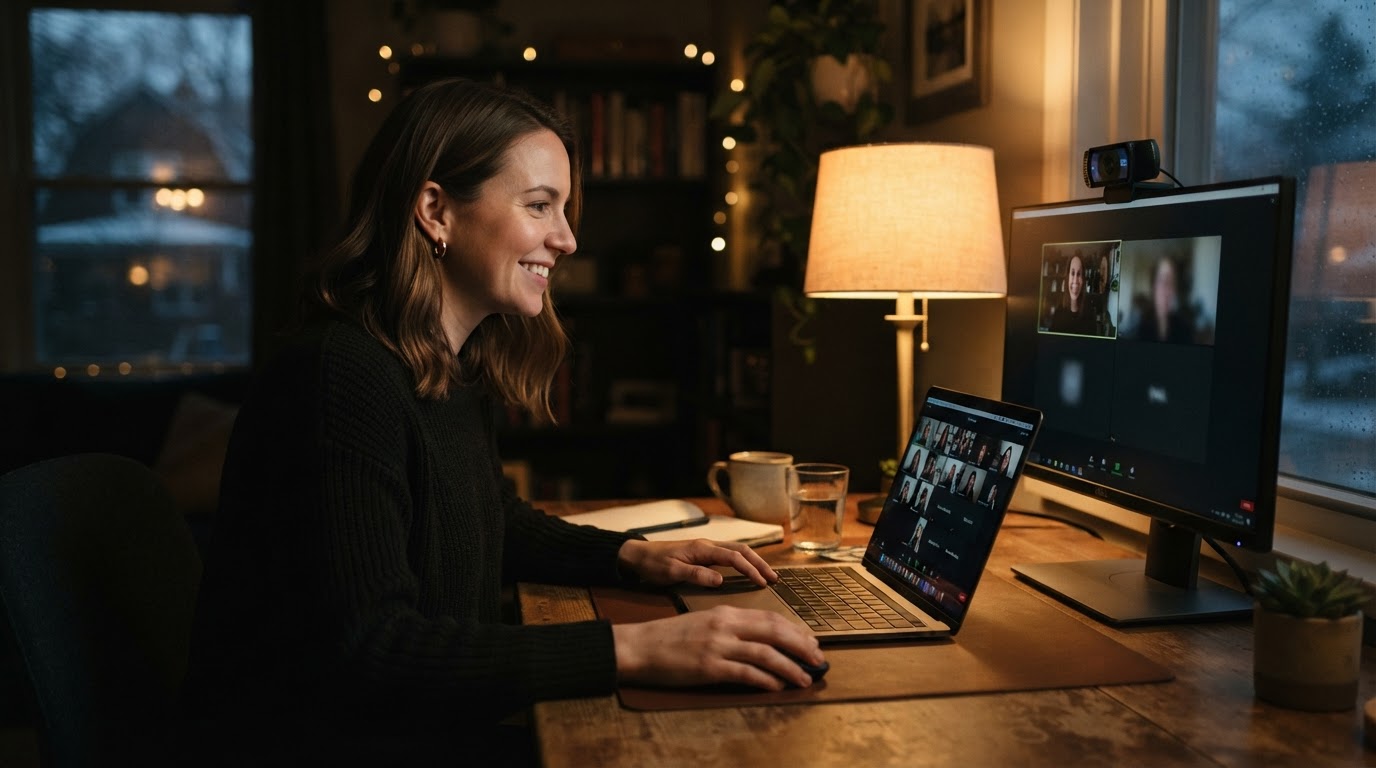
Start with the light, not the camera.
Place a lamp slightly to one side and in front of you, so your face is the brightest thing in the frame.
Turn your desk so the window is beside you or ahead of you, never behind.
A warm desk lamp angled at a wall beside the monitor gives a soft light on your face, without any harsh glare.
Typical case: someone on a £30 camera with a lamp in front of them can look clearer on screen than someone on a £100 camera sitting against a window. This is an illustrative example.
Sound is the other weak point.
The Expert Reviews test (October 2023) called the Logitech C270 microphone acceptable for the price but not broadcast quality, so a headset is worth considering for long calls.
In Summary
The best webcam for a home office in the UK depends on the room more than on the spec sheet.
A Brio 100 at around £30 covers a solo desk, the C920e adds dual microphones, and the Brio 500 suits changing light.
Whichever you choose, put a lamp in front of you and keep the window out of the frame.
Common Questions
Is a built-in laptop camera good enough for home working?
It can be for occasional calls. An external webcam lets you place the camera at eye level and often handles dim rooms better, which is why many people upgrade for daily meetings.
Should you cover a webcam when it is not in use?
Many people do. A built-in privacy shutter, such as on the Brio 100, makes this a one-second job, and a plain sliding cover or tape achieves the same on other models.
Can a smartphone replace a webcam?
Often yes, if you can mount it steadily at eye level and keep it charged. A phone’s rear camera can cope with dim rooms better than a cheap webcam, but the setup is less tidy.